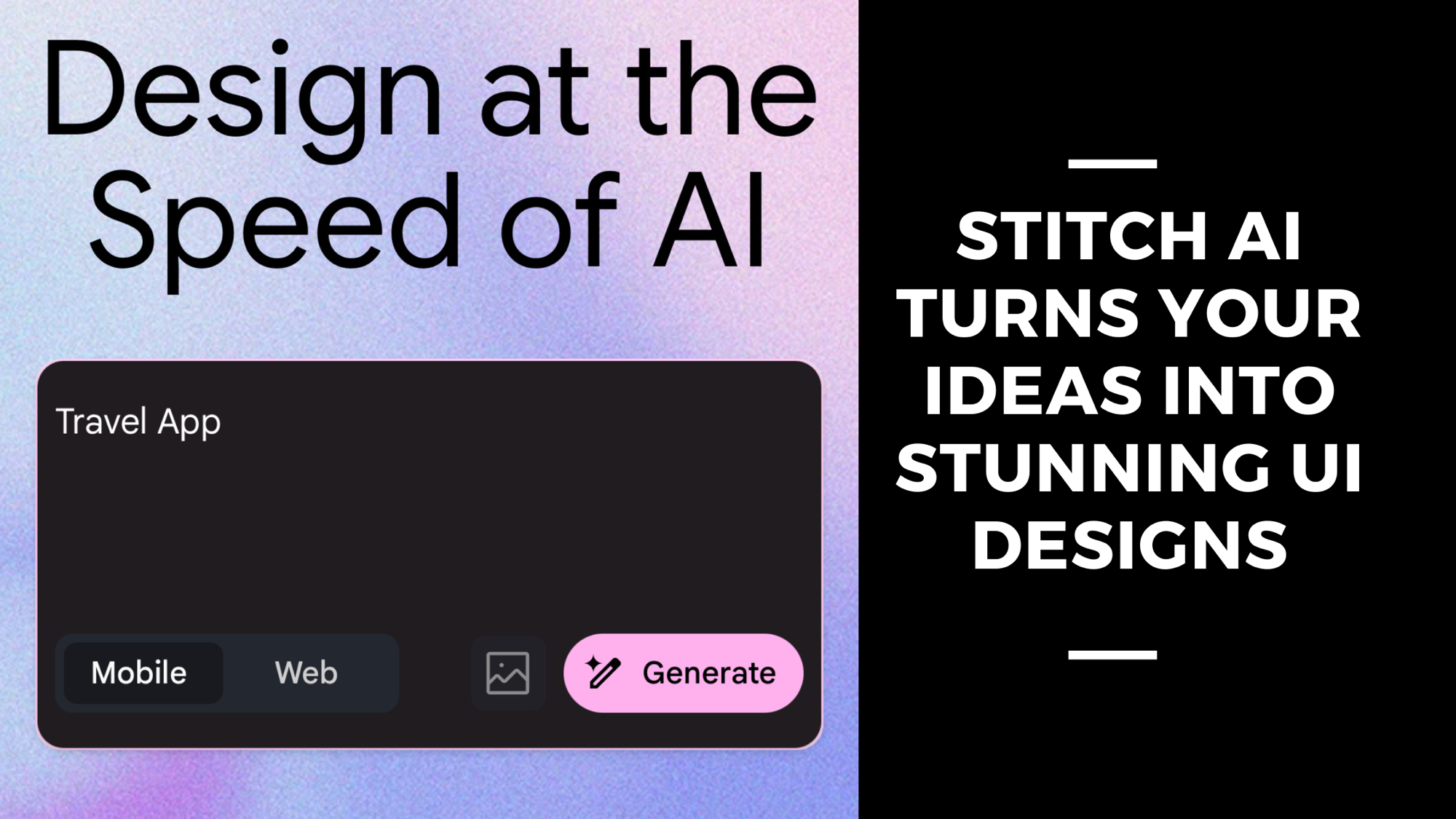
Have you ever had a brilliant idea for an app but didn’t know where to start with the design? Or maybe you’re a developer who’s a wizard at coding but finds creating visually appealing user interfaces a bit daunting. Well, say hello to Stitch AI—your new best friend in the world of UI design! Developed by Google Labs, Stitch AI is an innovative, AI-powered tool that transforms your ideas into stunning UI designs for mobile and web applications. Whether you’re dreaming up the next big mobile app or crafting a sleek website, Stitch AI makes the process faster, easier, and dare I say, a little magical.
In this blog post, we’ll dive into what makes Stitch AI a game-changer for UI design, how it works, its standout features, and the benefits it brings to the table. Plus, we’ll explore some real-world examples to show you just how versatile this tool can be. Ready to see how Stitch AI can bring your ideas to life? Let’s get started!
What is Stitch AI?
At its core, Stitch AI is all about simplifying UI design. Imagine it as a creative partner that takes your rough concepts—whether they’re scribbled notes or a quick sentence—and turns them into professional-grade user interfaces. Powered by advanced AI models from Google DeepMind, like Gemini 2.5 Pro and Gemini 2.5 Flash, Stitch AI bridges the gap between imagination and execution. It’s designed for everyone, from solo developers to startup founders to product managers, making mobile app design and web app design more accessible than ever before.
How Does Stitch AI Work?
Picture this: You’re sipping coffee in your favorite spot, sketching out an app idea on a napkin. With Stitch AI, you can snap a photo of that napkin, upload it, and watch as your rough sketch transforms into a sleek, digital UI design. It’s like having a design genie at your fingertips! Here’s how it works:
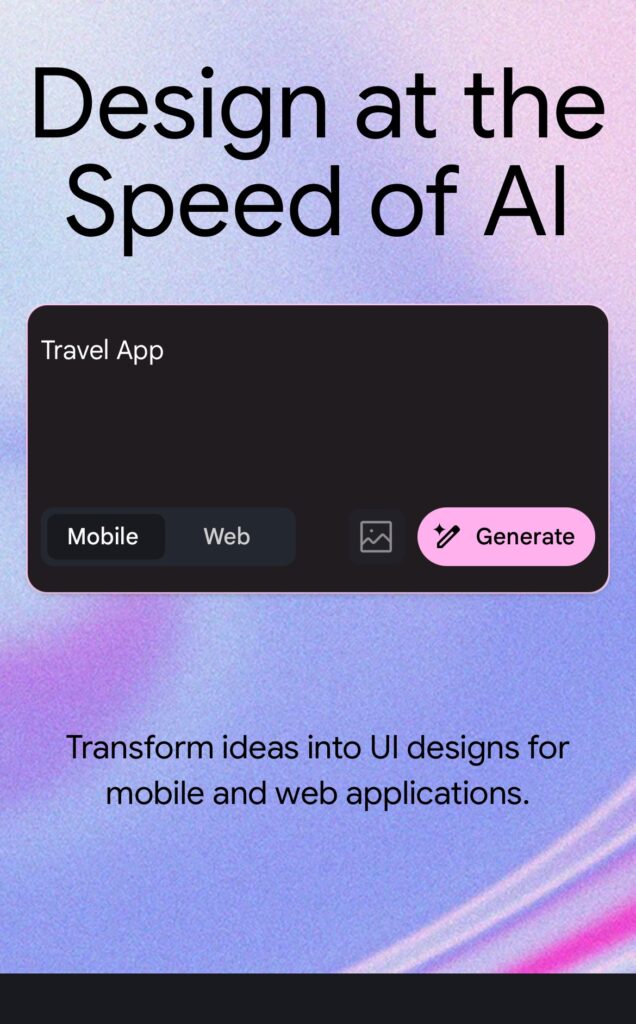
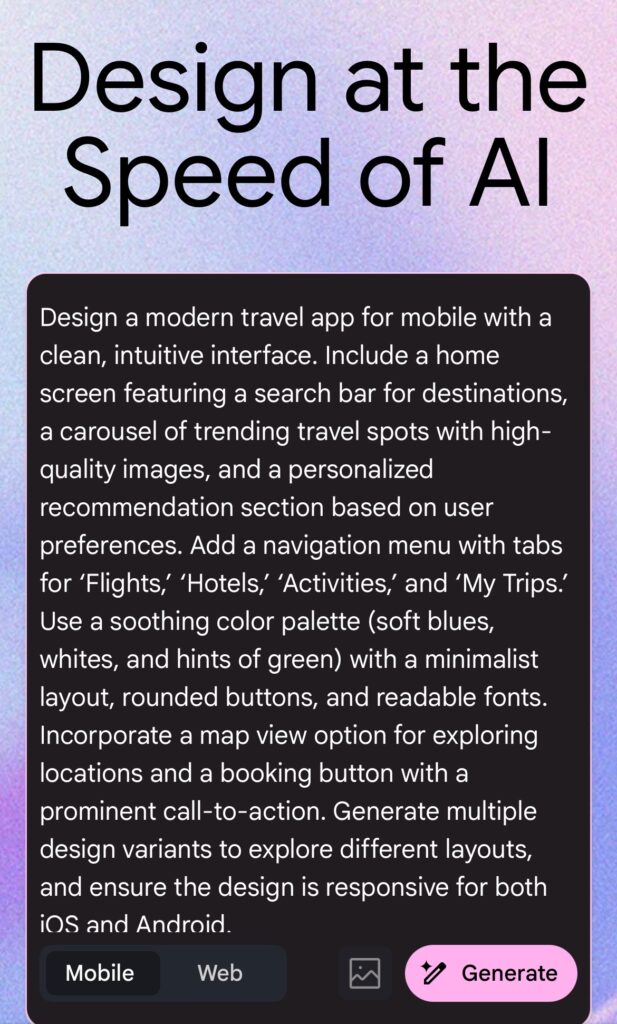
• Text Prompts: Simply type out your idea in plain English—like “a travel app with a map and booking features”—and Stitch AI will generate a visual UI design based on your description.
• Image Inputs: Got a hand-drawn sketch or a screenshot? Upload it, and Stitch AI will convert it into a polished digital interface.
Using cutting-edge AI technology, Stitch AI interprets your input and whips up high-quality designs in minutes. It’s fast, intuitive, and perfect for anyone who wants to skip the steep learning curve of traditional design tools.
Key Features of Stitch AI
Stitch AI isn’t just a one-trick pony—it’s packed with features that make it a standout AI-powered design tool. Here are some highlights:
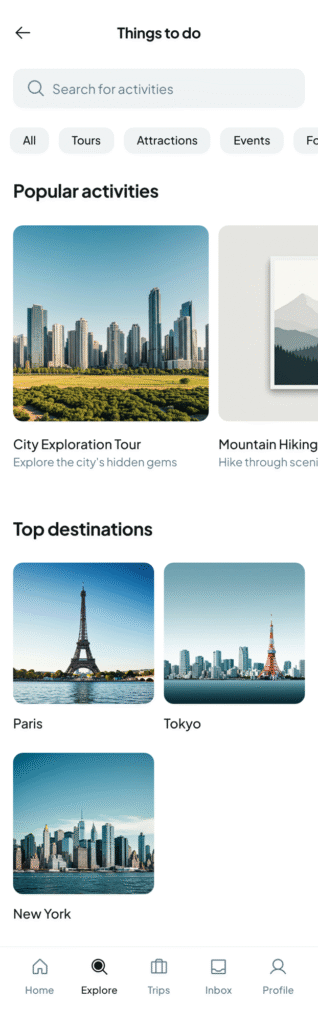
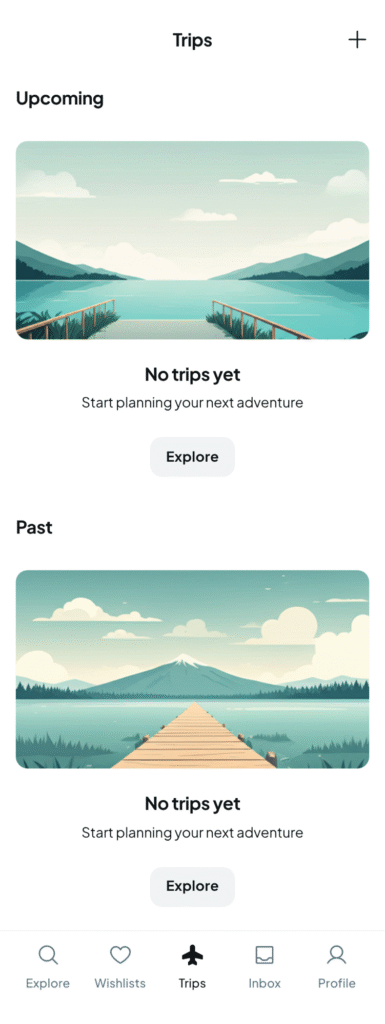
• Multiple Design Variants: Enter a single prompt, and Stitch AI generates several design options. This lets you explore different styles and layouts to find the perfect fit for your mobile or web app.
• Customization Options: Tweak themes, fonts, and colors to match your vision. Stitch AI gives you the flexibility to make each design your own.
• Figma Export: Ready to refine your design further? Export it directly to Figma for seamless collaboration with your team.
• Frontend Code Generation: Stitch AI doesn’t stop at visuals—it also produces clean, functional frontend code (think HTML and CSS) to jumpstart your development process.
These features make Stitch AI a powerhouse for anyone looking to streamline their UI design workflow.
Benefits of Using Stitch AI
Why should you give Stitch AI a try? Here are some game-changing benefits:
• Saves Time: Forget spending hours—or even days—crafting a UI from scratch. Stitch AI delivers a solid design foundation in minutes, freeing you up to focus on functionality and user experience.
• Boosts Creativity: With multiple design options and endless customization, Stitch AI sparks inspiration. It’s like having a brainstorming session with an expert designer, even if you’re not one yourself.
• Makes Design Accessible: You don’t need to be a pro to create professional-looking interfaces. Stitch AI levels the playing field, empowering anyone to tackle mobile app design or web app design with confidence [Web ID: 0].
Whether you’re a seasoned designer or a complete newbie, Stitch AI makes the process feel less like a chore and more like a creative adventure.
Real-World Use Cases
Need some inspiration? Let’s look at how Stitch AI shines in real-world scenarios:
• Product Managers: Imagine you’re pitching a new feature to stakeholders. With Stitch AI, you can type out a quick description, generate a UI design, and have a polished visual ready for your presentation in no time.
• Indie Developers: Working on a side project? Use Stitch AI to whip up a professional interface without wrestling with complex design software—perfect for building a portfolio or launching your app faster.
• Creative Experiments: Users have already pushed Stitch AI to fun extremes, designing everything from a pop art event app to a food delivery service for dogs. The possibilities are endless! [Web ID: 8]
These examples show just how versatile Stitch AI can be, no matter your role or project.
Conclusion: Transform Your Ideas with Stitch AI
In a nutshell, Stitch AI is revolutionizing the way we approach UI design for mobile and web applications. By harnessing the power of AI, it simplifies the creative process, saves time, and opens up a world of possibilities for anyone with an idea. Whether you’re sketching out your next big app or refining a web interface, Stitch AI is here to help you turn your vision into reality.
Ready to experience the future of UI design? Head over to the official Stitch AI website at stitch.withgoogle.com and start exploring today. Who knows? Your next big app idea might just be a few clicks away!